
Creating Images with AI

AI can be used for many things, and so far I’ve focused on text-based applications in this blog. However, for this post I want to look at image generation. The past month has seen the release of LOTS of new AI graphics tools, including Aurora from Grok- X and Imagen 3 from Gemini - Google. Not every AI model has this capability built into the free version, and I will focus on several that you can try without paying the monthly subscription. I will leave the bigger question of “is an AI image art?” to the artists and philosophers, and I will focus on helping you to unleash your skill or creativity with simple but effective prompts.
First of all, AI-generated images cannot be copyrighted unless there is evidence of “significant human creative input”. Unaltered AI-generated images are currently understood to be “in the public domain”. I expect to see a lot of discussion (and likely lawsuits) over this issue in the coming years; however, for now, if you generate an image using AI, you can share or use it freely.
Secondly, here are the free AI tools that you can use to generate images, all of which I tested. If you already use MagicSchool, there is an image generator that uses Adobe Express. If you are a Canva user, you can use your free teacher account to generate AI images. And for those of you who like working directly with LLMs, you can try Meta, Grok, ChatGPT, Gemini/ImageFX, or Copilot. Some image generators will protest if you reference specific people or artistic styles, so you need to test before giving your class free rein with the tools. But they are pretty incredible, and the top two (as of today) appear to be Grok and Gemini; that may change early in 2025, since things happen almost overnight in the world of AI!
Thirdly, although there are minor differences between citation styles, the general rule is to insert the following below the generated image: “exact prompt you used” prompt, AI tool name, company, and date generated. Like this:
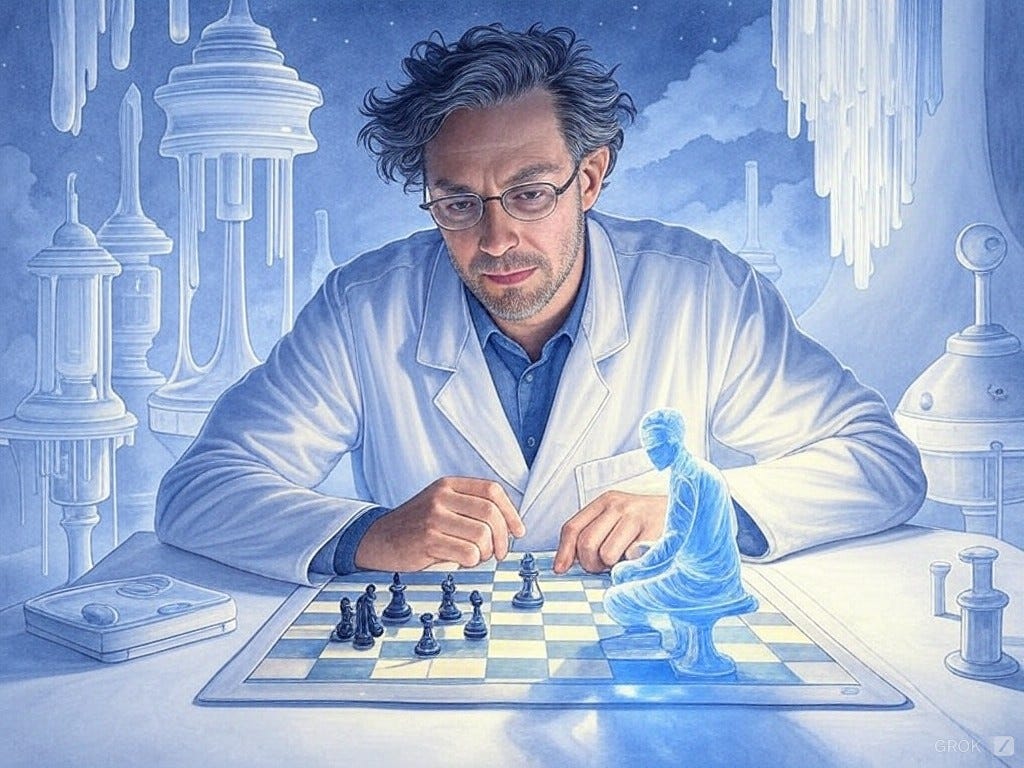
“Generate a watercolor illustration of a quantum physicist playing chess with a holographic opponent set in a surrealist scientific style similar to Salvador Dalí's dreamscapes with a color palette of pale blues and translucent whites, emphasizing intellectual mystery and ethereal complexity” prompt, Grok 2, X, Dec 16 2024
I’m no artist, so what holds me back is my lack of understanding of artistic styles, genres, media, palatte, aesthetic, mood, and technique. I quite literally DON’T HAVE THE WORDS to describe what I’m trying to create, so I feel for those who have the same experience when navigating my world of mathematics, physics, and computers!
I’ve been experimenting with a generic template where you can customize the style, media, mood, etc so that you get what you’re looking for. I have found that most image generators cannot revise a generated image, so if you don’t like what it produces, you need to refine the prompt and start over again. It’s a minor inconvenience, but always good to know.
Here’s my prompt: Create a [image type or medium] image of [subject] in a [scene, action, pose or composition] set in [genre or aesthetic style] reminiscent of [artist or style] with a color palette that is [color scheme, tone, hue] emphasizing [mood, atmosphere, feeling] and featuring [additional details of techniques].
Art classes may want to experiment with styles of artists, but I think for many of us, a good description of what we see in our mind’s eye is enough:
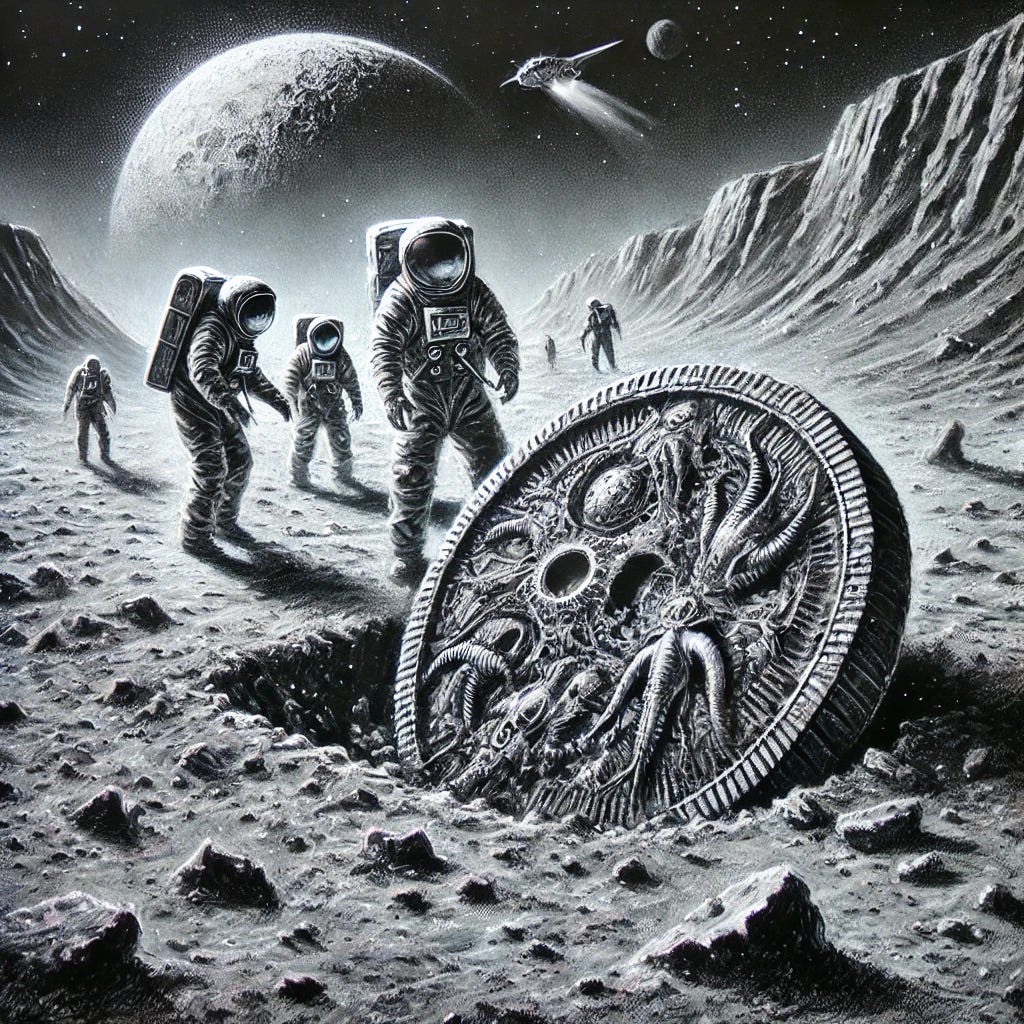
“Produce a charcoal sketch of a planetary archaeology expedition uncovering alien artifact remnants set in a science fiction style with a color palette of lunar grays and metallic silvers, emphasizing extraterrestrial mystery and scientific exploration” prompt, ChatGPT 4, OpenAI, Dec 16 2024
How might you use images generated by AI in the classroom? Perhaps as inspiration for a student art project, perhaps to visualize the setting of a short story, play, or novel, perhaps as the topic for today’s journal entry, maybe to visualize a historical event, or to imagine something not yet invented or discovered. Or to start a conversation on lab procedures and safety protocols:

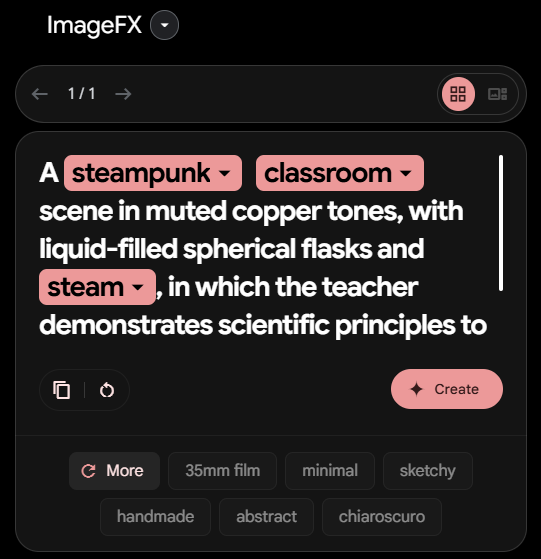
“A steampunk classroom scene in muted copper tones, with liquid-filled spherical flasks and steam, in which the teacher demonstrates scientific principles to young women and men with lab equipment” prompt, Imagen 3, Alphabet, Dec 17 2024
Coming up with a list for each [bracketed] item in the template might prove to be a useful class activity. For example, how many artistic styles are there, and is “steampunk” an actual style, or is it a genre, an aesthetic, or a historical period? I don’t know the answer, so I’m asking for a friend familiar with all things artistic. Of course, maybe part of the fun you can have is NOT BEING LIMITED to the established categories in the art world. In other words, if you can imagine it or write out the prompt, the AI tools can generate the image for you. Pretty neat! One great feature of Imagen 3 is that it creates drop-down lists for some of the prompt terms, so you can change the setting, or the subject, or the colours by choosing from options.
Anyway, It’s time to finish this post so that you get it before the end of the school day. There should be lots here for you to play with over the Christmas break.
Wishing everyone a joy-filled Christmas and a healthy and happy new year, despite widespread suffering and injustice in the world. I think that is what the nativity represents - hope for a broken world.
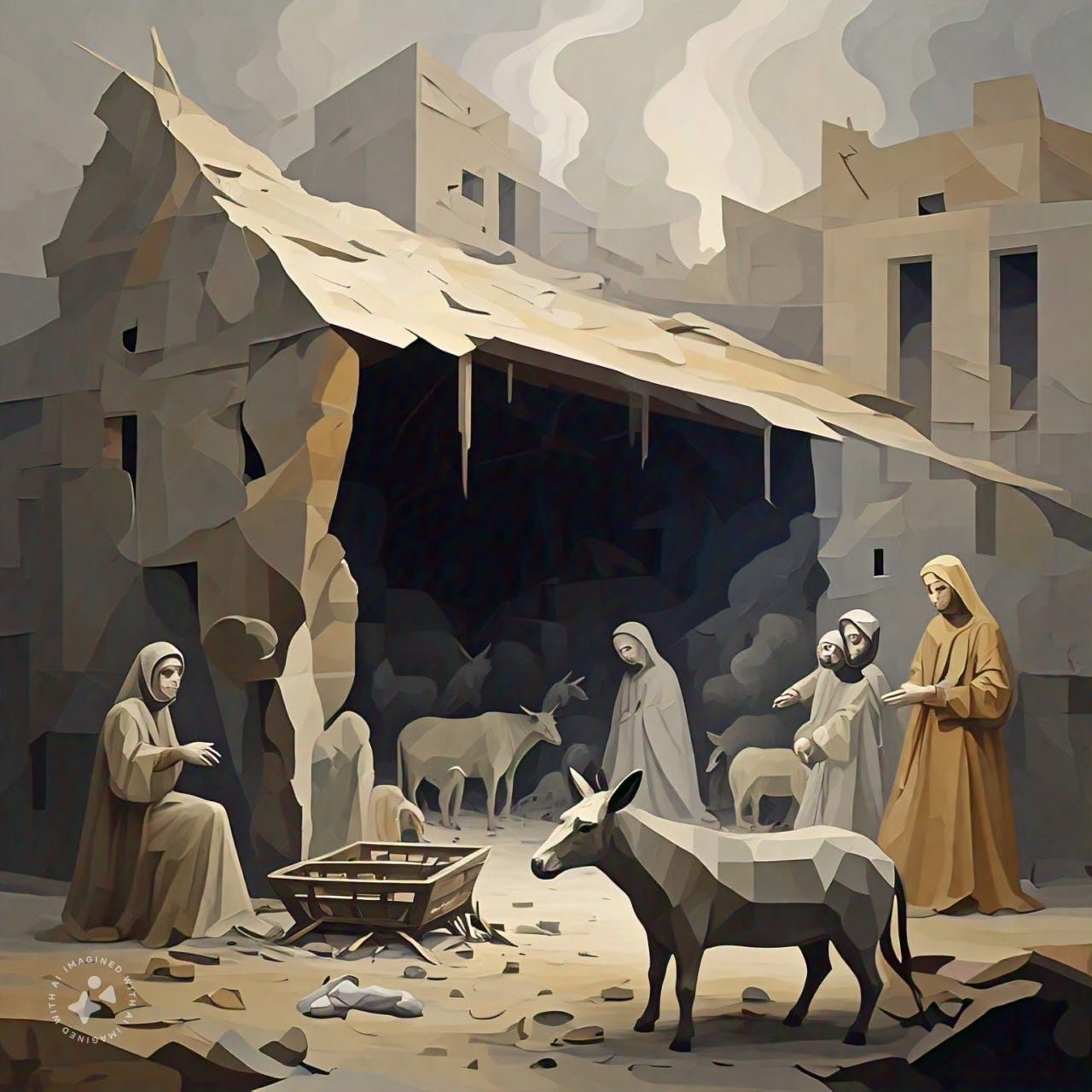
“Cubist painting of the nativity in war-torn country, in muted gray and tan with animals, a manger, a damaged building, and smoke in the background” prompt, Meta AI, Meta, Dec 18 2024
That’s all for now,
Cheers,
-Rick
This is fabulous! The addition of a prompt template is so helpful to those who may struggle with prompt engineering. Thanks for the great ideas!